

Want to know what keeps an online radio station running when nobody is sitting behind the board? Radio broadcasting software can schedule music, play commercials and station IDs, manage live shows, automate programming, and support audio streaming to listeners around the world. Different platforms handle different parts of the job. Some focus on live radio broadcasting, while others are built for automation, internet radio streaming, or helping you run your own online radio station with fewer separate tools.
If you want to become a radio broadcaster, understanding how this software fits into a real broadcast matters just as much as learning what to say behind the mic. Below, we explain the main features to compare, how online radio broadcasting works, what tools, such as SAM Broadcaster Pro, can do, and how the software connects with the wider radio industry.
What You Should Know Before You Start
What determines how much radio broadcasting software will actually cost you?
- Streaming host fees often add up faster than the software license itself.
- Many platforms offer a free tier before scaling the price with your listener count.
- Free, open-source options still cost you setup time and troubleshooting.
Do you need a broadcast license to start an internet radio station?
- Traditional AM/FM stations need an FCC license to broadcast over terrestrial radio.
- Internet-only stations skip that federal license entirely.
- You still need music licensing and must follow your streaming host’s platform rules.
What’s the one requirement most new broadcasters forget to check?
- Your upload speed, not your download speed, determines your stream quality.
- A backup internet connection protects your station from going dark during an outage.
- Your computer needs enough storage for a growing music library, not just processing power.
Table of Contents
- What Is Radio Broadcasting Software?
- What Features Should You Look For?
- Comparing Different Types of Radio Software
- Automation, Voice Tracking, and Music Scheduling
- How Does an Internet Radio Station Get Online?
- How Much Does Radio Broadcasting Software Cost?
- Can You Make Money From Online Radio?
- What About Music Licensing?
- Why These Skills Matter for a Radio Career
- Frequently Asked Questions
What Is Radio Broadcasting Software?
Radio broadcasting software is technology used to create, organize, play, automate, record, and sometimes encode the audio that makes up a radio station.
Depending on the platform, you might use it to:
- Build and schedule a playlist.
- Play music, commercials, jingles, and station IDs.
- Schedule tracks according to music categories and your station format.
- Record voice links before a show airs.
- Use voice tracking or a remote voice tracker.
- Mix microphones with other audio sources.
- Run Auto DJ programming when nobody is live.
- Manage metadata so listeners can see the current song.
- Control sound levels and transitions.
- Connect your station to an internet radio streaming host.
- Monitor listener activity and stream quality.
The software can automate a station, but it cannot make every creative decision for you. A broadcaster still needs to understand timing, sound, show structure, audio quality, transitions, and what keeps people listening. That audience is substantial. According to Edison Research’s Infinite Dial 2026, 81% of Americans age 12 and older listened to online audio in the previous month, representing about 233 million people.
What Features Should You Look For?
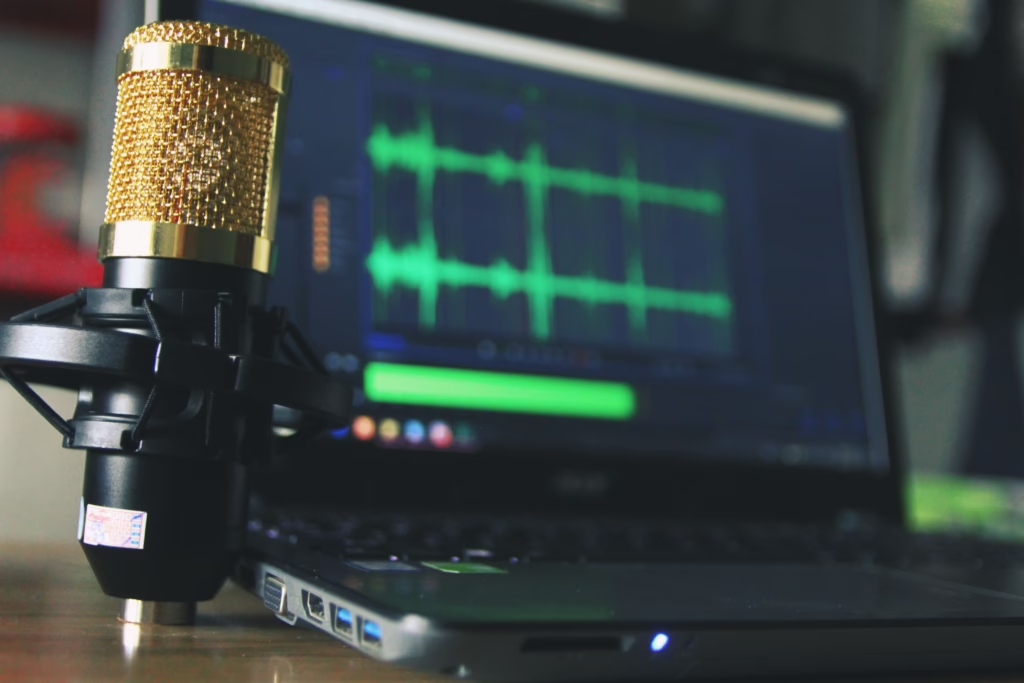
The right radio broadcasting software depends on the station you want to run.
Will you host live shows? Do you want music to play around the clock? Will several broadcasters need remote access? Do you already have a streaming host? Or are you mainly trying to understand how online radio works?
For live broadcasting, useful features include:
- Microphone and mixer inputs.
- Simple audio-level control.
- Reliable encoding.
- Easy switching between live and automated programming.
- Remote access.
Radio.co, for example, offers browser-based live broadcasting that can accept a microphone, mixer, or computer audio as its source. It also supports scheduled and automated programming.
For an automated station, look for a strong music scheduler, rotation rules, voice tracking, spot groups for commercials or promos, station IDs, metadata, and reliable transitions.
Good automation should make the station sound planned, not like somebody pressed shuffle and walked away.
Comparing Different Types of Radio Software
Not every radio tool does the same job. Let’s compare the different types of radio broadcasting software.
| Type | Best For | Useful Features |
|---|---|---|
| Live broadcasting software | DJs, presenters, interviews | Mic input, live control, encoder, stream connection |
| Automation software | 24/7 stations | Music scheduler, Auto DJ, voice tracking, spot groups |
| All-in-one platforms | New online stations | Hosting, automation, analytics, access, support |
| Playout software | Advanced workflows | Playlist control, audio processing, integration |
| Streaming hosts | Delivering audio to listeners | Bandwidth, listener limits, reliability, analytics |
If you want to build your own online radio station, an all-in-one platform may make the setup easier. A more experienced broadcaster may prefer separate tools for playout, encoding, hosting, and automation.
There is also other software designed for specific workflows. Some systems run primarily on Windows or PC environments, while others support Linux, browser access, cloud systems, or mobile apps.
Always check whether the software works with the computer, operating system, or device you plan to use.
Automation, Voice Tracking, and Music Scheduling
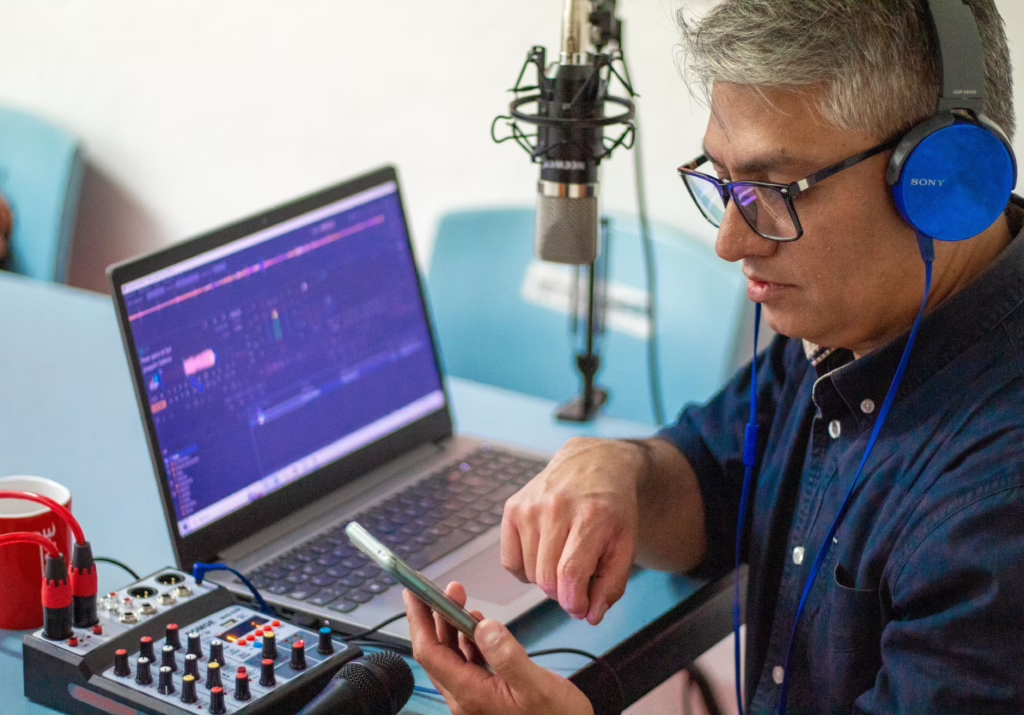
Automation is one of the biggest reasons broadcasters use radio station software. For example:
- Auto DJ can keep scheduled programming on air when there is no live presenter. It can move through songs, prerecorded shows, jingles, station IDs, and commercials according to a programmed clock.
- Voice tracking allows a presenter to record introductions or links in advance and place them between tracks. A remote voice tracker can give presenters the same ability when they are away from the studio.
- A music scheduler helps organize music categories, rotations, timing, and the overall station format. More advanced systems can also manage spot groups, promos, and rules controlling how often a particular song plays.
- Platforms such as NextKast combine music scheduling, voice tracking, audio processing, playout, and streaming encoders into a single system. It can also connect with services including Icecast, SHOUTcast, and Live365.
- SAM Broadcaster Pro is another example. SAM Broadcaster software includes features for managing media libraries, automation, audio processing, cross-fading, volume normalization, and streaming. SAM can form one part of a wider internet radio system.
Learning the buttons matters, and learning why and when to use them matters more.
How Does an Internet Radio Station Get Online?
An internet radio station usually needs several processes working together:
- Playout software decides what the station plays.
- An encoder converts the audio into a streamable digital format.
- A streaming server or hosting platform sends that stream across the internet.
- Listeners connect through a web player, app, smart speaker, computer, or another device.
Some platforms combine these functions. Others require separate software and integration between them.
The Winamp and SHOUTcast DSP setup is one example of a traditional software-plus-encoder system for sending audio to a SHOUTcast server.
Audio is commonly streamed using formats such as MP3 or AAC. Higher-quality audio usually requires more data. Stereo sound may also require more bandwidth than lower-data alternatives.
A stable internet connection is important. If the upload connection fails, listeners may hear buffering, interruptions, or silence.
The wider path can include the microphone, console, processing, encoder, server, and the speakers or headphones used by the listener.
Our guides to essential equipment for broadcasting and audio consoles in the studio explore this signal chain in more detail.
How Much Does Radio Broadcasting Software Cost?
There is no single price because products package their services differently.
Your costs could include:
- Broadcasting or automation software.
- Internet radio streaming and hosting.
- Storage and listener limits.
- Music licensing and reporting.
- Website or app costs.
- Microphones, headphones, mixers, and other equipment.
Free or lower-cost software can be useful when learning, experimenting, or building a non-commercial project. However, it may require more technical setup.
Paid platforms may bundle hosting, automation, analytics, apps, and technical support.
That is why the cheapest option is not automatically the best. Start with the features you genuinely need and expand as your station grows.
Can You Make Money From Online Radio?
An online radio or internet radio station can make money, but software alone will not create a profitable station.
Potential revenue sources include:
- Advertising and commercials.
- Sponsorships.
- Branded content.
- Listener memberships or donations.
- Merchandise.
- Events and partnerships.
Some platforms also offer monetization tools. Live365, for example, operates an advertising revenue-share program for eligible stations and packages.
The bigger challenge is building something people want to listen to. Good programming, consistent scheduling, recognizable sound, and a clear station format all help give listeners a reason to return.
That is where radio becomes both a business and a creative job.
What About Music Licensing?
Running internet radio is different from having a personal music subscription.
Do not assume Spotify, iTunes, or another consumer music service gives you permission to rebroadcast its music. Consumer accounts are designed for personal listening, not operating a radio station.
In the United States, an internet-only station is not using an FCC-licensed AM or FM frequency simply because it is streaming online. That differs from terrestrial radio, which uses licensed broadcast spectrum.
However, broadcasting copyrighted music online can still involve copyright, royalties, reporting, and licensing responsibilities.
For eligible noninteractive digital radio services, sound-recording rights may be administered by SoundExchange, while separate rights apply to the underlying musical composition.
Requirements can vary depending on the type of service, the music used, the audience’s location, and whether listeners can choose specific tracks.
Before launching a station, check which licenses your platform provides and what remains your responsibility.
Why These Skills Matter for a Radio Career
Being comfortable behind the microphone is only one part of modern radio broadcasting.
Broadcasters may also need to:
- Operate a console.
- Edit audio.
- Build a show clock.
- Schedule a playlist.
- Voice track.
- Monitor levels.
- Manage broadcasting software.
- Work with streaming systems.
- Troubleshoot technical problems.
- Create content for radio, TV, web, and other digital platforms.
Software changes, but these production skills remain useful.
Our BeOnAir Radio & TV Broadcasting program combines on-air work with radio production, digital editing, control-room procedures, and hands-on studio experience.
If you are more interested in what happens to the sound itself, our Audio Production program goes deeper into recording, consoles, signal flow, editing, mixing, and mastering.
Maybe you want to host your own show, or maybe you would rather manage the board, produce a program, record audio, or help a station reach listeners online. Understanding radio broadcasting software gives you another practical tool for working in this changing industry.
Ready to see what happens behind the board?
Book a campus tour to experience a BeOnAir studio, or apply now when you are ready to start building your skills.
Frequently Asked Questions
Can radio broadcasting software run a station 24/7?
Yes. Automation software can schedule music, prerecorded programs, station IDs, commercials, and other content when no presenter is live. Someone still needs to manage the schedule, check the audio, update programming, and make sure everything is working correctly.
Do you need expensive software to start an online radio station?
No. Free, trial, and lower-cost tools can help you understand playout, audio streaming, automation, and encoding. Choose software based on your technical ability, budget, and goals rather than paying for advanced features you may not use.
Can you use Spotify or iTunes for an internet radio station?
Do not assume a consumer Spotify or iTunes account gives you the rights to rebroadcast music. Consumer services have their own terms of use, while online radio broadcasting may involve separate copyright, licensing, and royalty requirements.
What radio broadcasting software skills should you learn?
Focus on skills that transfer between platforms, including playlist scheduling, voice tracking, audio levels, automation, metadata, encoding, live control, remote access, and basic troubleshooting. Knowing how each part of the broadcast system works makes it easier to adapt when a station changes software.
How do you choose the best radio broadcasting software?
Start with what you need your station to do. Live broadcasters should prioritize microphone control, streaming, and easy switching between sources. Automated stations may need stronger scheduling, music categories, Auto DJ, spot groups, and voice tracking. Also consider cost, operating system compatibility, technical support, available features, and whether the platform can scale with your station.